Teaching a 433MHz door sensor to report closed, not just open
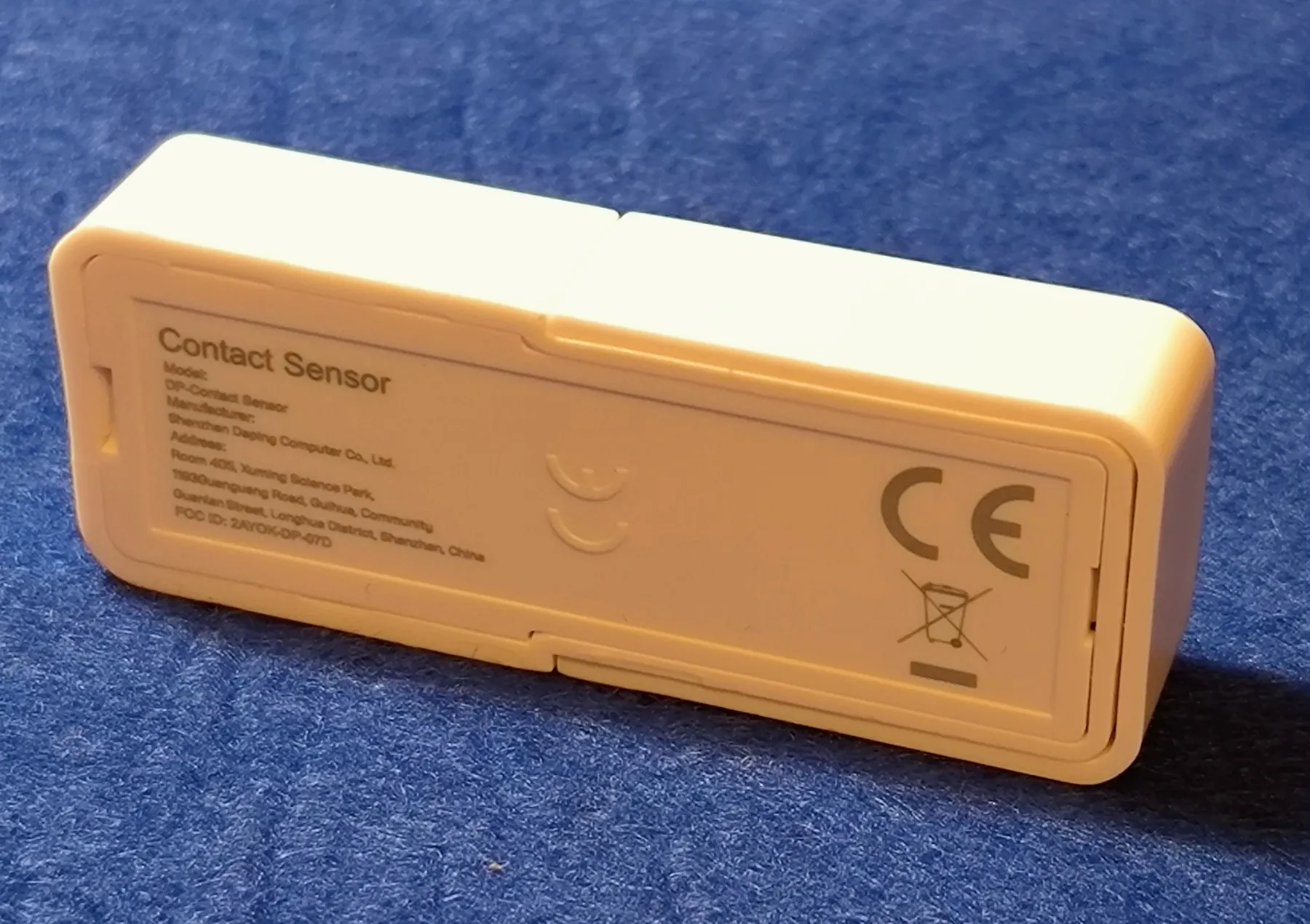
When I moved house I bought an alarm kit and mounted all the door and window sensors myself. The magnetic sensors on the doors talk to the base station over some 433MHz protocol. I didn’t have high expectations going in, so I picked one labelled “smart” that could pair with an app like Smart Life — and it does exactly that. You can connect it, manage the paired sensors, and it pushes a notification when one triggers. Exactly what an alarm is supposed to do.
Since then I’ve set up a small home server running Home Assistant, and I wanted more: which door actually opened, and — when I arm the system — whether I’d left something open without noticing. Turns out you can’t get that. Tuya’s own site lets you manage your devices and exposes a bit more data than the app, but not enough to get there either. I did manage to get the alarm panel talking to HA in some form, and left it at that, reasonably happy.
What changed things was a completely different project: getting the data from my home weather station into Home Assistant (that’s a post of its own, coming later). For that I built a little gateway out of an ESP32 and a CC1101 module, running the OpenMQTTGateway firmware. Once it was up, I noticed it was also picking up the door sensors’ opening signals. That’s what sent me down the hole of figuring out how these things actually work, and whether I could modify them to do what I wanted.
Opening it up
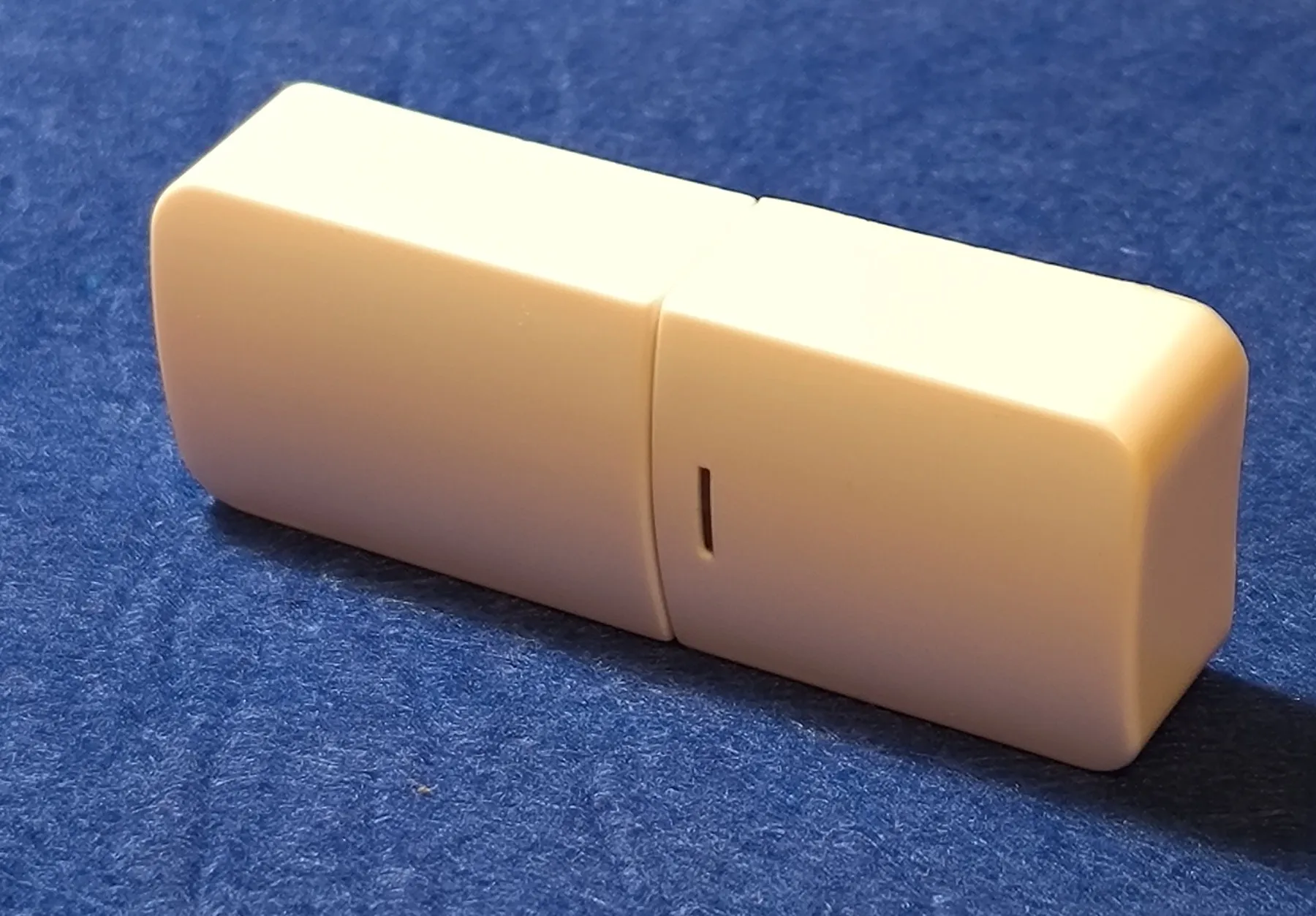
Here’s the sensor whole, before touching anything:
First step was popping the case to see what I was dealing with.
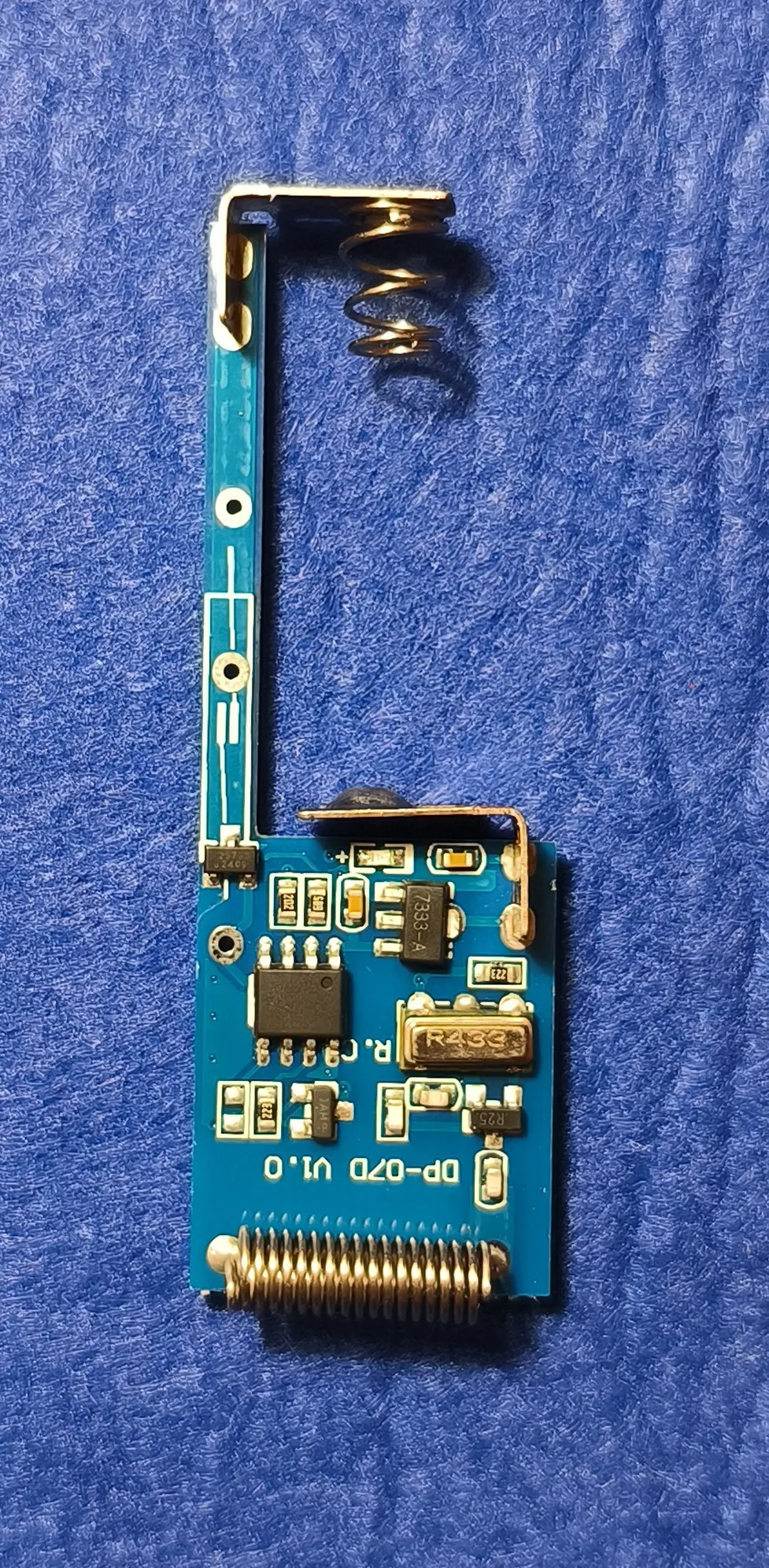
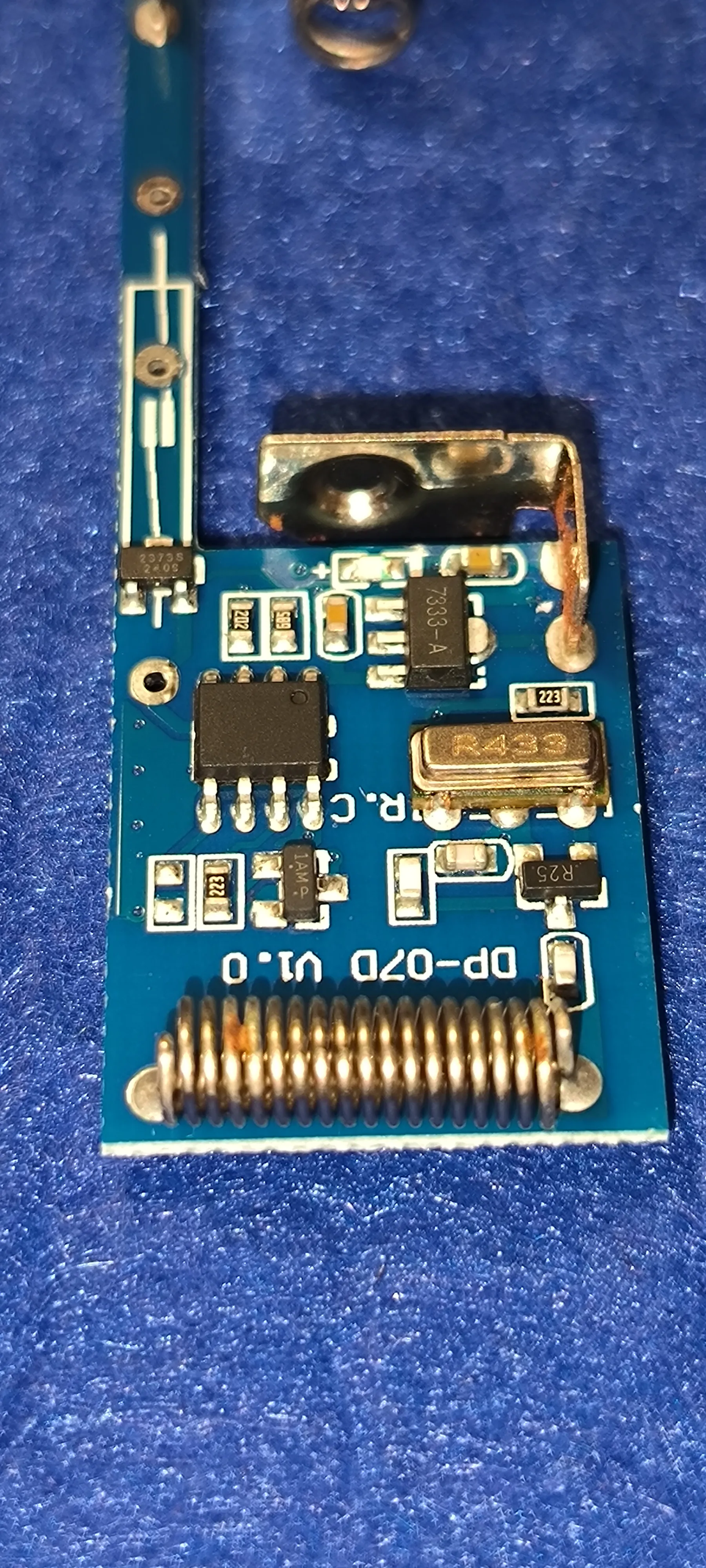
The circuit is about as simple as it gets. Roughly in the middle, a SOIC-8 microcontroller — brand and part number both impossible to make out — is the brain of the thing. The strip on the left, which connects the main board to the battery’s negative spring contact, has a footprint for a reed switch; on mine, it’s been replaced with a Hall sensor (VCS2373S) instead, which has the advantage of triggering on a field from any direction rather than needing it aligned with a reed switch’s axis. The microcontroller runs off 3.3V from a 7333-A linear regulator. The bottom half is the RF section: an oscillator and inductor generate the carrier, which the microcontroller then switches on and off through a transistor marked 1AM4 — on-off keying, nothing fancier than that. The resonator is marked R433, which lines up with the 433MHz the whole thing runs at.
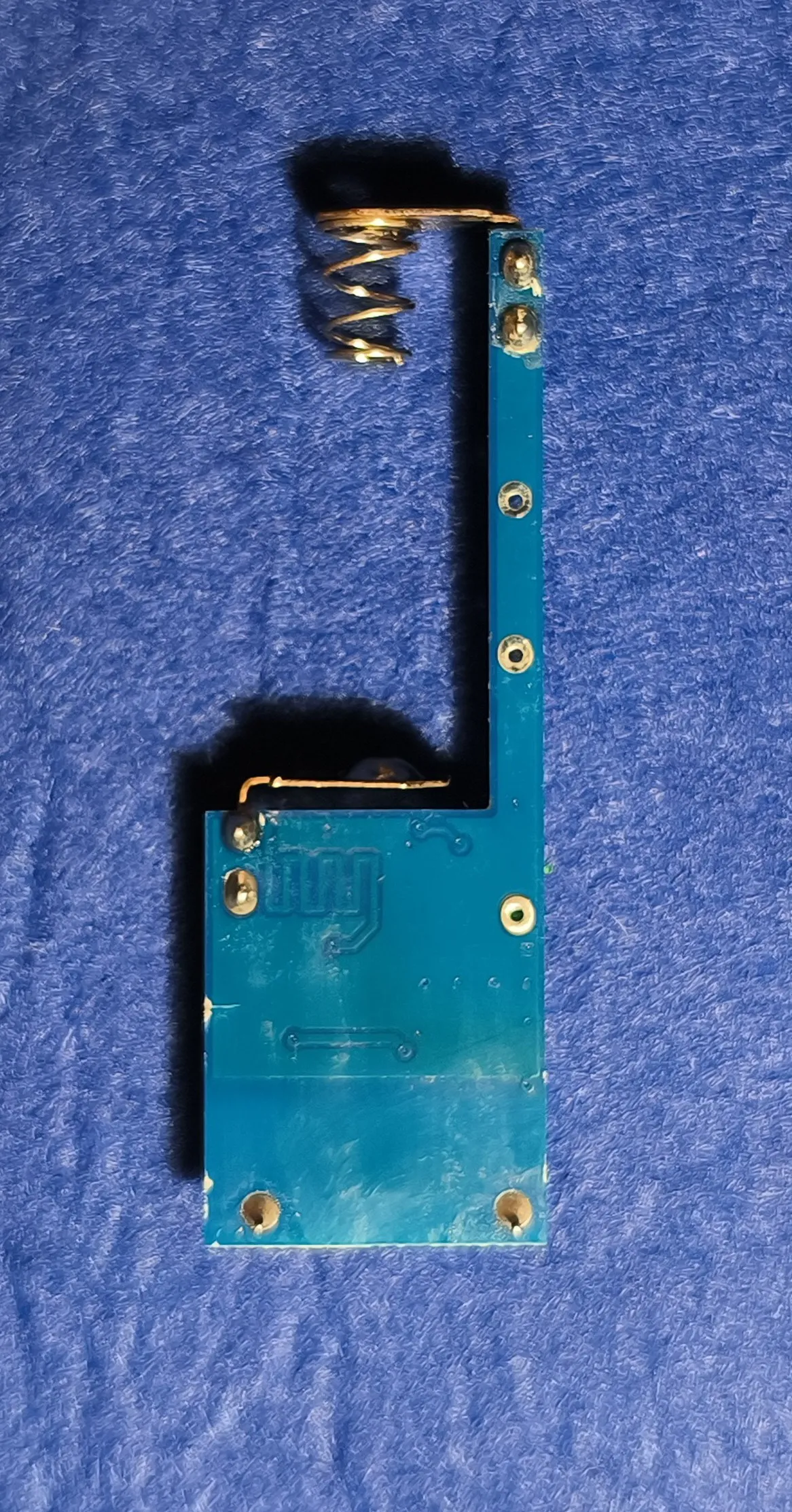
The back of the board is mostly bare — just a small embossed logo and the through-hole pads for the antenna spring and the case’s mounting posts.
Finding the pinout
With no datasheet to go on, I went at the microcontroller’s eight pins with a multimeter instead:
| Pin | Function |
|---|---|
| 1 | VCC |
| 2 | Reed / Hall input |
| 3 | Status LED |
| 4 | NC |
| 5 | NC |
| 6 | NC |
| 7 | RF modulator |
| 8 | GND |
No pin does anything close to “also send a message on close.” Short of reprogramming the microcontroller itself, there was no way to add that behavior while keeping the sensor paired with the alarm’s own base station. And reprogramming it wasn’t on the table either — there’s no part number printed on the chip, so I have no idea what it actually is or how to talk to it.
Swapping the brain
The only way forward was replacing the microcontroller with one I could program myself. The only SOIC-8 chips I had on hand were ATtiny13s. The pinout doesn’t match the original at all, but I made it work: GND happened to land on the same pad, VCC went onto a pad that had been empty, and so did RST. The one genuinely irreversible change was cutting the trace that used to feed 3.3V into pin 1 of the original footprint — on the ATtiny13 that pin is MOSI, needed for programming, so it couldn’t stay tied to VCC.
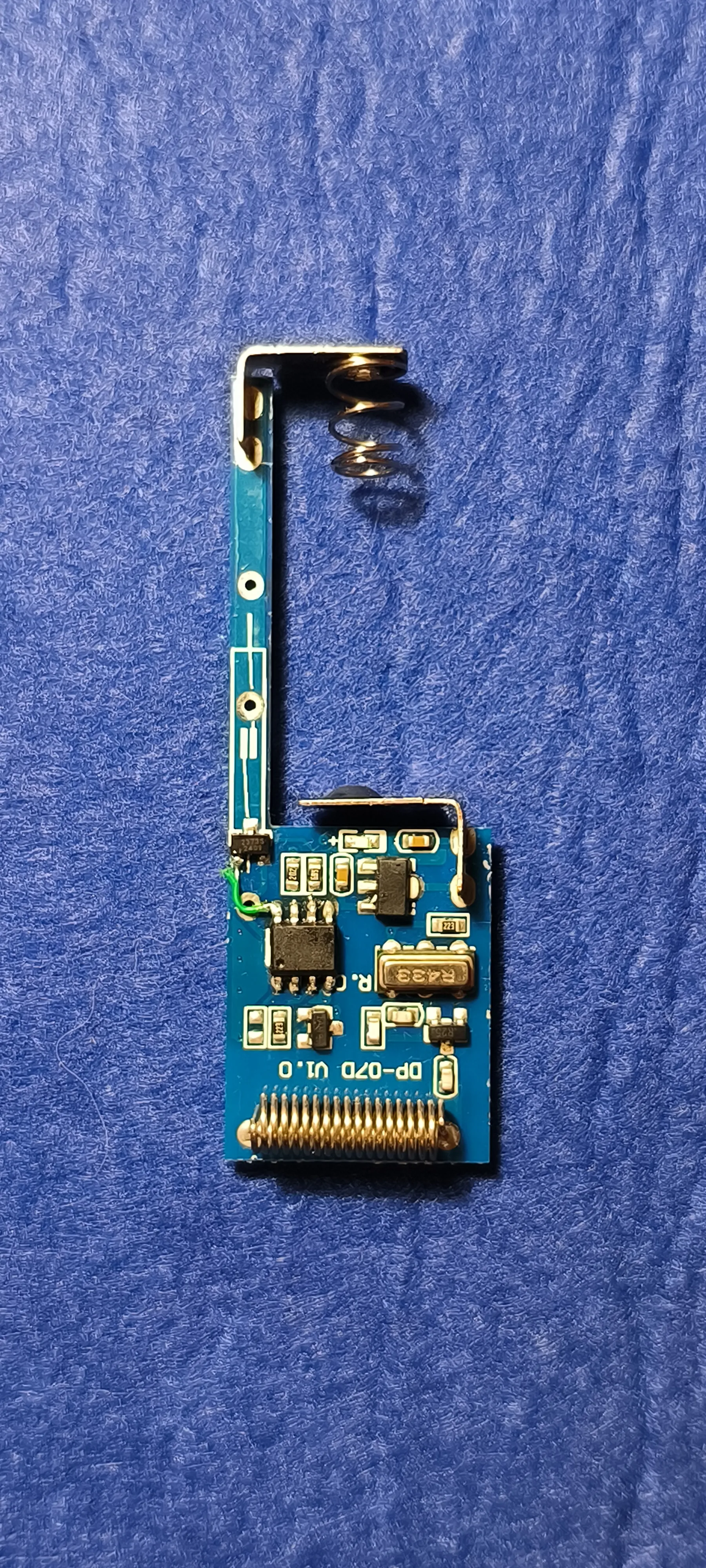
I desoldered the old chip, soldered in the new one, and hoped I’d be able to program it in place. Unsurprisingly, that didn’t work. After some troubleshooting I found the culprit: the circuitry hanging off the MISO pin — the Hall sensor and its pull-up — was holding that line at a weird logic level the programmer couldn’t get past. I ended up programming it two different ways: either flash the chip separately before soldering it in, or desolder the Hall sensor, solder and flash the ATtiny13, then solder the Hall sensor back on. Both work, both are a bit of a pain. In hindsight, running a jumper wire from the Hall sensor over to one of the other free pins would have been the tidier fix — which is what you can see in the photo above.
The firmware
The firmware itself is plain Arduino: set the sensor pin up as an interrupt, put the microcontroller to sleep. When it wakes up, it reads the pin to work out the door’s current state, then keys the RF carrier to send one of two stored codes — one for open, one for closed.
Having two separate codes is what makes this work without breaking anything: I pair only the open code with the alarm’s base station, so as far as the alarm is concerned, nothing has changed. The close code goes nowhere near it — it’s there purely for OpenMQTTGateway to pick up and forward into Home Assistant.
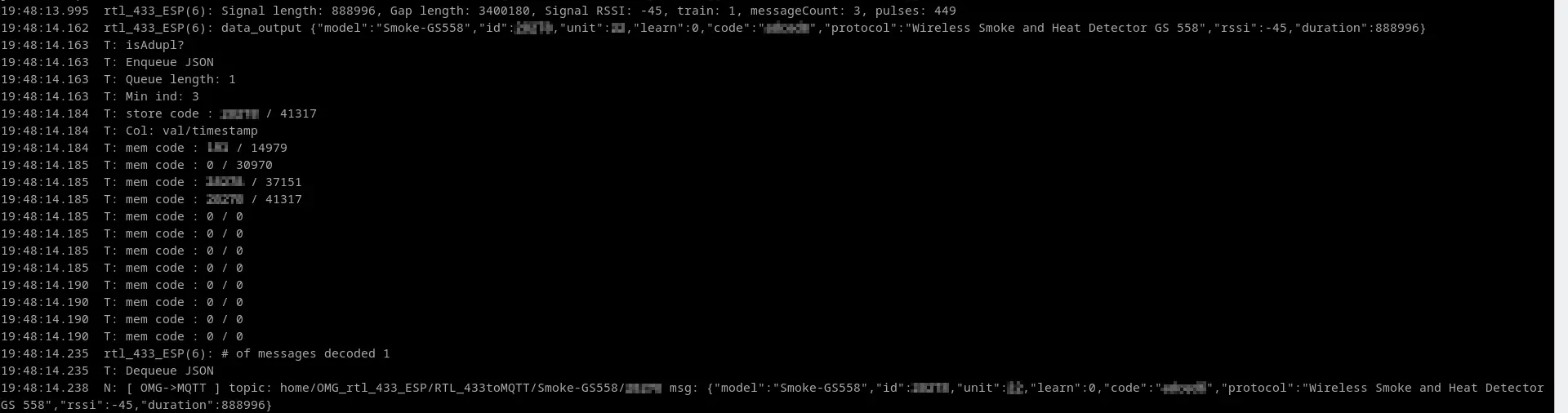
Here’s what that pipeline looks like in OpenMQTTGateway’s own terminal — a different 433MHz device in the house caught mid-transmission (IDs blurred), going through the duplicate check, getting stored, and landing on MQTT:
Where it stands
I’ve modified two sensors so far and I’m running them as a test. Once I find the time, the rest of the doors and windows will get the same treatment.
Comments